How to post to multiple Facebook groups from your profile or page — let's look at the details
We all know how popular Facebook is. It is one of the best ways to share your content online, offering many features to grow your traffic, such as Facebook Groups or your page.
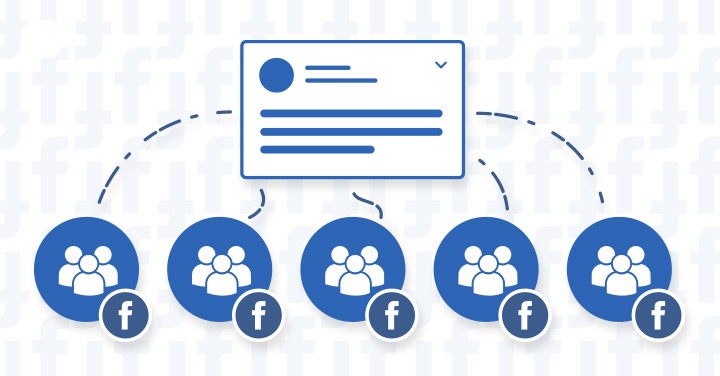
If you ask me the best method to spread your products, content or ads, I'd recommend Facebook groups without hesitation. Joining a Facebook group is child's play.
You can join as many groups as you like. But keep in mind you can't promote your content group by group — it would cost you a lot of time.
So, to help you at low cost, here is a great plan to use.
Post automatically to several Facebook groups from your profile or page in a single click, without sharing — since Facebook limits you to 15–20 shares per day. You can publish your post with images and MP4 clips to multiple groups at once, in one click.
You will need:
1- First, the groups in your niche — join them automatically through our platform. Try to join groups with at least 1,000–1,200 members or more, which will generate the best results for your Facebook campaigns.
2- Create your account on the platform
https://farsem.net; on sign-up Farsem offers you 50 sending credits to test the platform (1 credit = 1 post in 1 group).
3- Discover the many features for yourself.
Farsem
Farsem.net lets you publish automatically to multiple Facebook groups. You can send "Immediate" or "Scheduled / recurring" posts, set start and end dates, and schedule several weeks with the same post or change it daily.
Choose the groups you want to post to and define your target from the Facebook groups you are a member or admin of. We offer advanced human-simulation features, such as randomising the order of images in each post.
Want to post to all your Facebook groups?
Try Farsem for free, credits offered on sign-up.
Create my account